
Diablo IPTV: How to Choose an IPTV Provider in Canada

Picking an IPTV provider in Canada comes down to a handful of checks you can make before you pay: what the plans cost and include, whether you can test the service, how you'll log in, which player you'll use, what the refund terms say, and how you reach the team. This guide walks through each one, using Diablo IPTV as a worked example so you can see what clear answers look like. Use the same list for any provider you're comparing.
What to look for in an IPTV provider in Canada
An IPTV service in Canada works the same way as anywhere else: the provider sends channels and on-demand titles over the internet, and you watch them in a player app on your own device. That means two things decide your experience. The first is the provider: its catalogue, its plans and how it handles questions. The second is your setup: your device, your player and your home connection.
A good provider makes the first part easy to check. Prices should be written down, the access format should be clear, and there should be a way to test before buying. If any of those answers are vague, treat that as a signal. New to the basics? Start with what IPTV is and how it works in Canada.
Diablo IPTV as an IPTV service in Canada: the facts
Here's what Diablo IPTV states about its service, in one place:
| Check | What's stated |
|---|---|
| Live channels | 115,000+ |
| Movies and series on demand | 120,000+ |
| Picture quality | HD, Full HD and 4K, depending on the source and your device |
| Extras | Replay TV where the channel offers it; automatic channel updates |
| Login format | Xtream Codes (username, password, server URL) or an M3U playlist URL |
| Player | Works with IPTV Smarters Pro, a separate third-party app |
| Free trial | 24 hours, requested on WhatsApp, no payment |
| Billing | Paid once per term, no automatic renewal |
| Contact | |
| Where | Viewers across Canada, from Toronto and Montreal to Vancouver, and worldwide |
The service is delivered digitally: there's no box or hardware in the order. You watch on a device you already own.
Six checks before you pick an IPTV service in Canada
1. Plans and what you actually pay
Look for a written price per plan, the length of the term and whether it renews on its own. The service lists four plans, each paid once:
| Plan | Length | Access codes | Price |
|---|---|---|---|
| Starter | 3 months | 1 | €39.99 |
| Comfort | 6 months | 1 | €49.99 |
| Premium | 12 months | 1 | €59.99 |
| Pack 2 Codes | 12 months | 2 separate codes | €89.99 |
Prices are in euros and there's no auto-renewal, so a new term is a new order. Every plan includes the same catalogue and features; only the length and the number of access codes change. Full details are on the IPTV subscription page.
2. A free trial you can actually test
A trial is only useful if you run it on the setup you'll keep. Diablo IPTV offers a 24-hour free trial on WhatsApp with no payment needed. During those 24 hours, check:
- that your player app logs in and loads the channel list;
- that the channels and categories you care about are there;
- how the picture looks on your main screen, at the times you usually watch;
- that the on-demand library and Replay TV behave as you expect.
Request it from the free trial page.
3. The access format
Ask how you'll receive your login. Most players accept Xtream Codes (a username, password and server URL), and many also accept an M3U playlist URL. Diablo IPTV provides either format, sent on WhatsApp once the order is confirmed. If you're unsure which one your app wants, see M3U vs Xtream Codes.
4. The player app
The player is usually a separate product from the subscription. Diablo IPTV works with IPTV Smarters Pro, but it isn't the app's developer, publisher or owner, and the app is not part of the subscription. Availability differs by platform, store and region, so check your device's store before ordering. Our IPTV Smarters Pro guide covers where it comes from on each platform, and the Firestick guide covers Fire TV.
5. Refund terms
Read the refund policy before you pay, not after. With Diablo IPTV, if access hasn't been activated or delivered yet, the order may still be cancelled and refunded to the original payment method. After activation, requests are reviewed case by case, for example a duplicate payment or purchased access that never arrived after reasonable support attempts. A change of mind after activation, or a device you didn't check before buying, normally isn't covered. That's one more reason to use the trial first. The full terms are in the refund policy.
6. The contact channel
Know how you'll reach the provider when something needs fixing. Diablo IPTV handles orders, access details and support on WhatsApp. The team confirms the payment options available for your order before you pay. You can find the link on the contact page.
IPTV in Toronto, Montreal and Vancouver
Diablo IPTV serves viewers across Canada, from Toronto and Montreal to Vancouver. The service itself is the same in every city; what varies from home to home is the network and the devices. A few practical notes apply wherever you are.
IPTV Toronto: condos and busy Wi-Fi
In apartment and condo buildings, many Wi-Fi networks share the same airwaves. If your TV is close to the router, a wired Ethernet connection is often steadier than Wi-Fi. If it isn't, placing the router in the open, away from walls and appliances, can help.
IPTV Montreal: check your player and device first
Before you order, confirm that a compatible player is available in your TV's or streaming device's store, and check the developer's name before installing. Search results for similar-sounding service names can include unrelated offers, some with their own hardware. This service doesn't sell a box; it's a digital subscription you use with a player on your own device.
IPTV Vancouver: test at your usual viewing time
Home internet can behave differently in the evening, when more people in the household and the neighbourhood are online. Run part of your trial at the hours you usually watch, on the screen you'll actually use.
Choosing the best IPTV service for your home
Searching for the "best IPTV service" tends to surface lists and rankings, but the best fit depends on your devices, your player and your connection. A practical way to decide:
- Shortlist providers that publish prices, plan lengths and refund terms.
- Confirm the login format works with the player available on your device.
- Run a trial on your main screen.
- Pick a plan length that matches how sure you are: a shorter term first, a longer one once you're happy.
Before you subscribe to any service, it's also worth reading the provider's terms and notices; ours include a disclaimer.
FAQ: Diablo IPTV and IPTV service in Canada
How do I get IPTV in Canada?
Choose a provider, install a compatible player from your device's official store and log in with the details you receive. With Diablo IPTV in Canada, you can start with the 24-hour free trial on WhatsApp, then order a plan there. The setup guide has steps for each device.
What are IPTV boxes?
An IPTV box is a streaming device that connects to your TV and runs a player app. Diablo IPTV sells no box: it's a subscription you use with a player app on a device you already own, such as an Android TV, a Fire TV device, a Samsung Smart TV or an Apple TV.
What is the best device for IPTV?
Usually the one you already have, as long as a compatible player is available for it in its official store and it can display the quality you want. Supported platforms include Android phones and tablets, Android TV, Fire TV, Samsung Smart TV, iPhone, iPad, Apple TV, Windows, Mac and a web browser. Test it during the trial before you decide.
Which IPTV is best for Samsung TV?
Look for a provider whose login format works with a player available in your Samsung TV's app store. Search the store for the supported player and check the developer before installing. Diablo IPTV provides Xtream Codes or an M3U URL; see the Samsung setup steps.
Can I use IPTV on multiple devices?
It depends on the provider and the plan. Diablo IPTV includes one access code per plan, or two with Pack 2 Codes. Whether one code can be set up on another device depends on the plan, so ask the team on WhatsApp before you count on it.
Are all IPTV services the same?
No. Providers differ in catalogue, plan lengths, billing, login formats, refund terms, how you reach them and how complete their programme guide data is. Guide entries can't be guaranteed for every channel at all times, so check the guide in your player during a trial. That's why the six checks above are worth doing for each provider.
Conclusion: check your IPTV provider in Canada before you commit
The right IPTV provider in Canada is one whose answers you can verify: written prices, a clear login format, a player that runs on your device, published refund terms and a clear contact channel. Diablo IPTV gives you each of those, and a way to test them first. Start with the 24-hour free trial, then choose a plan on the Diablo IPTV subscription page.
Want to try Diablo IPTV?
Get the 24-hour free trial on WhatsApp (no payment needed), or pick a plan: 3, 6 or 12 months from €39.99, or Pack 2 Codes for two codes, paid once per term.
Related articles

Diablo IPTV 4K: What 4K IPTV Needs at Home
Diablo IPTV offers HD, Full HD and 4K depending on the source and device. Here's what 4K IPTV needs: a 4K screen, a 4K source and a steady connection.
Read the article
Diablo IPTV Firestick Guide: Choosing a Player for Fire TV
Using Diablo IPTV on a Firestick: how to choose a compatible IPTV player for your Fire TV, sign in with the remote and what to test during the free trial.
Read the article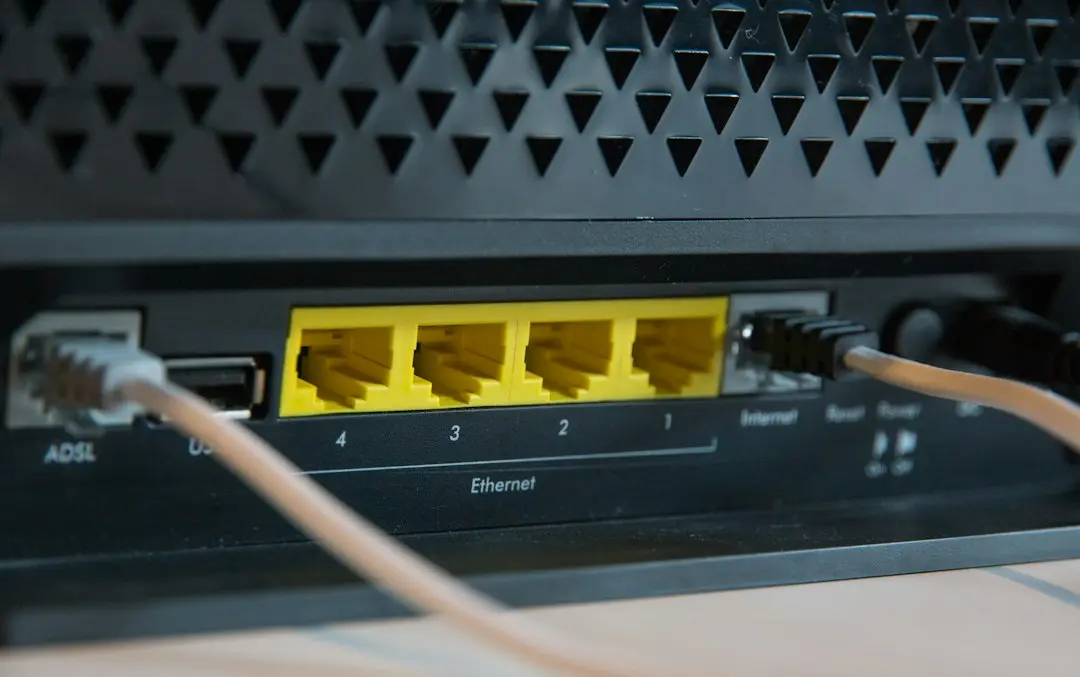
Diablo IPTV M3U and Xtream Codes: Which Login to Use
Diablo IPTV sends an IPTV M3U playlist URL or Xtream Codes details. Learn the difference, where each one goes in your player and the mistakes to avoid.
Read the article