Diablo IPTV 4K: What 4K IPTV Needs at Home
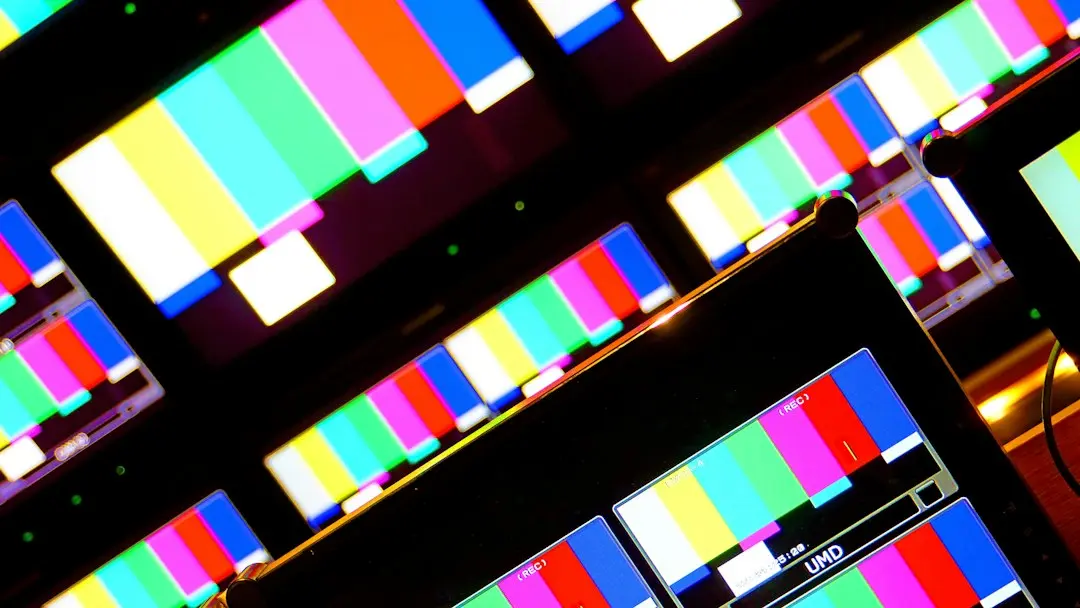
Diablo IPTV offers HD, Full HD and 4K picture quality, depending on the source and your device. But 4K IPTV isn't a switch you flip in a menu. It only shows up when three things line up at the same time: a screen and device that can display 4K, a channel or title that's actually sent in 4K, and a home connection that can carry it. This guide explains each piece, what the numbers mean, and how to test 4K during a free trial before you choose a plan.
What does 4K IPTV need?
4K means a picture of roughly 3840 × 2160 pixels, four times the pixel count of Full HD. To see it through an IPTV service, you need:
- A 4K screen and a 4K-capable device. The TV, the streaming device plugged into it and the player app all have to support 4K.
- A 4K source. The specific channel or on-demand title has to be delivered in 4K. Many streams are HD or Full HD.
- A connection that can carry it. 4K streams use more data than HD, so your home network matters more.
If any one of the three is missing, you'll see a lower resolution, even on a 4K TV. That's true for Diablo IPTV and for any other provider.
4K on Diablo IPTV: what the plans include
Every Diablo IPTV plan lists the same quality range: HD, Full HD and 4K, depending on the source and your device. There's no separate "4K plan" or add-on; the plans differ only in length and number of access codes.
| Plan | Length | Access codes | Price (paid once) |
|---|---|---|---|
| Starter | 3 months | 1 | €39.99 |
| Comfort | 6 months | 1 | €49.99 |
| Premium | 12 months | 1 | €59.99 |
| Pack 2 Codes | 12 months | 2 (separate) | €89.99 |
Alongside picture quality, each plan includes 115,000+ live channels, 120,000+ movies and series, Replay TV where the channel offers it, and automatic channel updates. See the full comparison on the IPTV subscription page.
"Depending on the source" is the important part. Not every channel or title is available in 4K, so a 4K IPTV subscription means 4K where the source provides it, not 4K on everything.
Step 1: a 4K screen and a 4K-capable device
The TV
Check your TV's specifications for "4K" or "UHD" (3840 × 2160). Many TVs sold as "HD" or "Full HD" top out at 1080p, which is fine for most streams but won't show 4K.
The streaming device and HDMI link
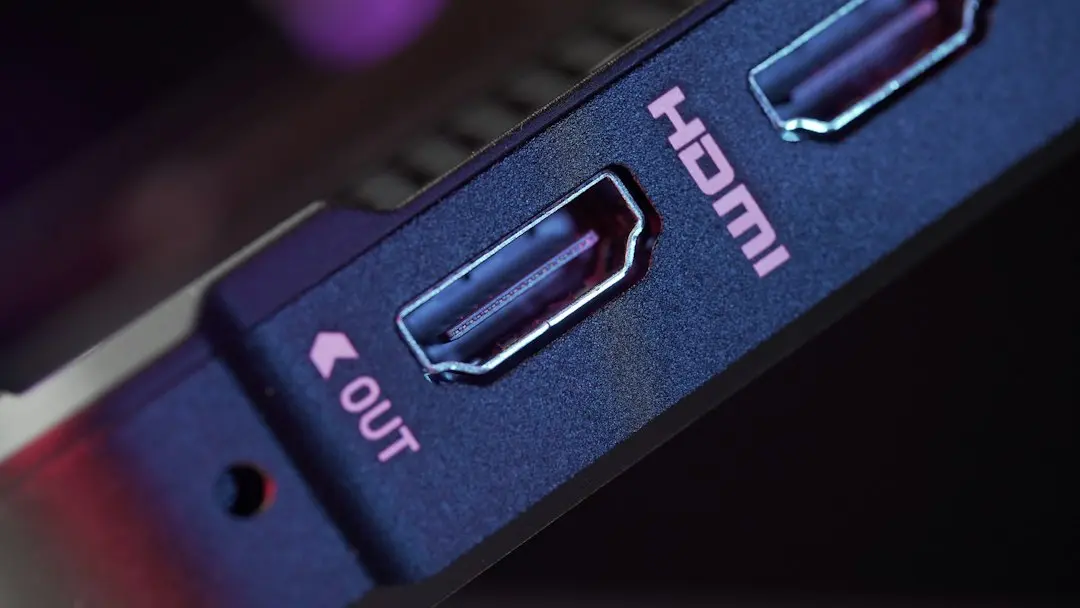
If you watch through a stick or box plugged into the TV, that device also has to output 4K. So does the connection between them: use an HDMI port on the TV that supports 4K (some TVs label only certain ports for it) and a cable rated for 4K. Your device's display settings should show a 4K resolution once everything is connected correctly.
The player app
The player app decodes the stream and sends it to the screen. Not every player handles 4K on every device in the same way. Diablo IPTV works with IPTV Smarters Pro, a separate third-party player; Diablo IPTV isn't its developer, publisher or owner, and the app isn't part of the subscription. Availability differs by platform, store and region. Our IPTV Smarters Pro guide explains where it comes from on each platform, and the Firestick guide covers Fire TV, where you choose a compatible player available in your store.
Step 2: the source, and why codecs matter
A 4K stream carries far more picture detail than HD, so it has to be compressed efficiently to travel over home internet. That's the job of a video codec.
When the ITU announced the H.265 codec, also known as HEVC, in 2013, it said the new standard "will need only half the bit rate of its predecessor, ITU-T H.264 / MPEG-4 Part 10 'Advanced Video Coding' (AVC)" (ITU). In plain terms, more efficient compression lets a high-resolution picture travel with less data.
Two practical consequences for 4K IPTV:
- Your device has to decode the stream's codec. Older devices may not handle every codec in hardware, which can show up as stutter or a black screen on some streams while others play fine.
- The source decides the resolution. If a channel is sent in Full HD, no device or app setting turns it into true 4K.
Step 3: the connection
4K uses more bandwidth than HD, so it's the most sensitive to your home network. For general context, Netflix's help page on recommended internet speeds lists "Ultra high definition (UHD)", "4K" and "15 Mbps or higher" (Netflix Help Center). That's Netflix's guidance for its own service, not a figure for IPTV streams, which vary by source, but it shows why 4K asks more of your connection than HD does. Diablo IPTV doesn't publish a speed figure of its own.
Ways to give a 4K stream the best chance:
- Use Ethernet if you can. A wired connection is often steadier than Wi-Fi, especially for a living-room TV.
- Check Wi-Fi placement. If wired isn't possible, keep the router in the open and as close to the TV as practical.
- Watch for heavy use elsewhere. Large downloads, game updates or several other streams in the home can compete for the same connection.
- Test at your usual viewing time. Evening use in the household and neighbourhood can change how your connection behaves.
How to test 4K IPTV during the Diablo IPTV free trial
The Diablo IPTV free trial lasts 24 hours, is requested on WhatsApp and needs no payment. To get a real answer about 4K on your setup:
- Use your main screen and the player you'll keep. A trial on a phone tells you little about your living-room TV.
- Confirm the device outputs 4K. Check its display settings before you start.
- Find titles or channels sent in 4K. Remember that many streams are HD or Full HD by design.
- Watch for a while, at your normal times. A few minutes at midday isn't the same as a full evening.
- Compare wired and Wi-Fi if your setup allows both.
Ask for the trial on the free trial page.
When Diablo IPTV 4K doesn't show up: quick checks
- The picture looks soft: check that the source is 4K and that the device's output is set to 4K.
- Stutter on 4K but not HD: look at your connection first; see the buffering steps.
- Black screen on some streams: the device or player may not decode that stream; see black screen fixes.
- The app closes or freezes: update or reinstall the player from its official store; see app crash steps.
Playback can depend on the source, your device, your player app and your internet connection. If the checks above don't help, contact the Diablo IPTV team on WhatsApp through the contact page.
FAQ: 4K IPTV with Diablo IPTV
What channels are in 4K?
It depends on the source. 4K appears where the source offers it and your device and screen support it; many channels and titles are sent in HD or Full HD. The same applies if you want to watch sports in 4K: the sport category is part of every Diablo IPTV plan, but each stream's resolution comes from its source. The trial is the way to see what's in 4K on your own setup.
Do I need a 4K TV for 4K IPTV?
Yes. A Full HD screen can play a 4K stream, but it will display it at its own lower resolution. For a true 4K picture, you need a 4K screen, a 4K-capable device and a 4K source.
Can iPhone stream 4K?
You can watch IPTV on an iPhone, iPad or Apple TV with the official Smarters Pro app from Apple's App Store. Whether you see 4K depends on the model, the app and the source, and on a phone screen the difference is harder to notice than on a large TV. See the Apple setup section.
Can I watch live TV on IPTV?
Yes. Live TV is the core of IPTV. Diablo IPTV includes 115,000+ live channels, plus 120,000+ movies and series on demand and Replay TV where the channel offers it.
What is the best stream format for IPTV?
There are two separate questions here. For the login, use the format you were given and your player supports: Xtream Codes or an M3U playlist URL (see M3U vs Xtream Codes). For the picture, the best you'll get is the highest resolution your source, device and screen all support.
Does every Diablo IPTV plan include 4K?
Yes. Every plan lists HD, Full HD and 4K, depending on the source and your device. A longer plan or Pack 2 Codes changes the length and the number of access codes, not the quality range.
Conclusion: get 4K IPTV right before you choose a plan
4K IPTV depends on three things working together: a 4K screen and device, a 4K source and a connection that can carry it. Diablo IPTV offers HD, Full HD and 4K depending on the source and your device, on every plan. The simplest way to see what your setup can do is the 24-hour free trial. Once you're happy with the picture, choose a plan on the IPTV subscription page.
Want to try Diablo IPTV?
Get the 24-hour free trial on WhatsApp (no payment needed), or pick a plan: 3, 6 or 12 months from €39.99, or Pack 2 Codes for two codes, paid once per term.
Related articles
Diablo IPTV Firestick Guide: Choosing a Player for Fire TV
Using Diablo IPTV on a Firestick: how to choose a compatible IPTV player for your Fire TV, sign in with the remote and what to test during the free trial.
Read the article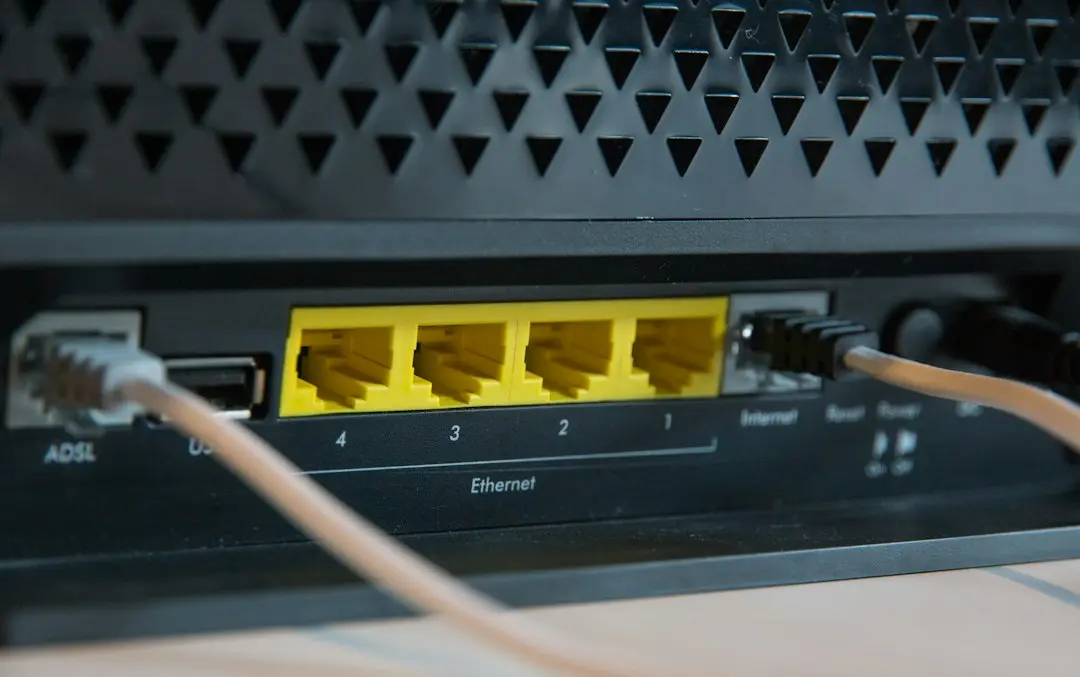
Diablo IPTV M3U and Xtream Codes: Which Login to Use
Diablo IPTV sends an IPTV M3U playlist URL or Xtream Codes details. Learn the difference, where each one goes in your player and the mistakes to avoid.
Read the article
Diablo IPTV: How to Choose an IPTV Provider in Canada
Choosing an IPTV provider in Canada? Diablo IPTV lists six checks for any IPTV service in Canada: plans, trial, login format, player, refunds, contact.
Read the article